
🎨 Google Gemini Prompts for Photo Editing
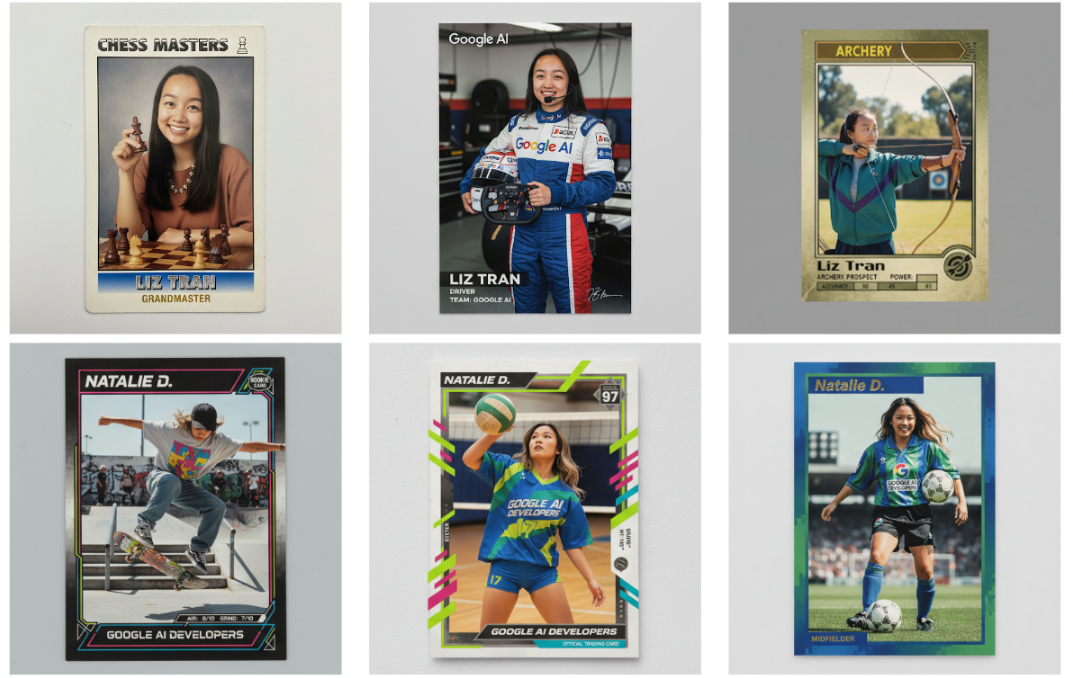
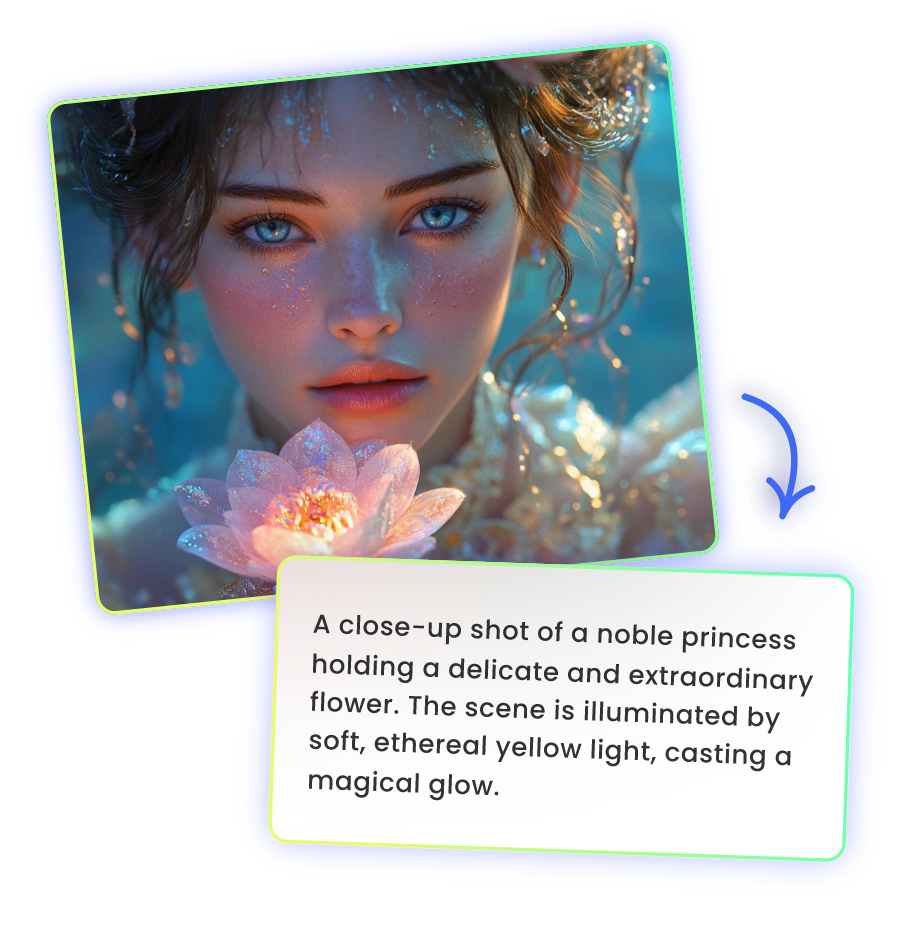
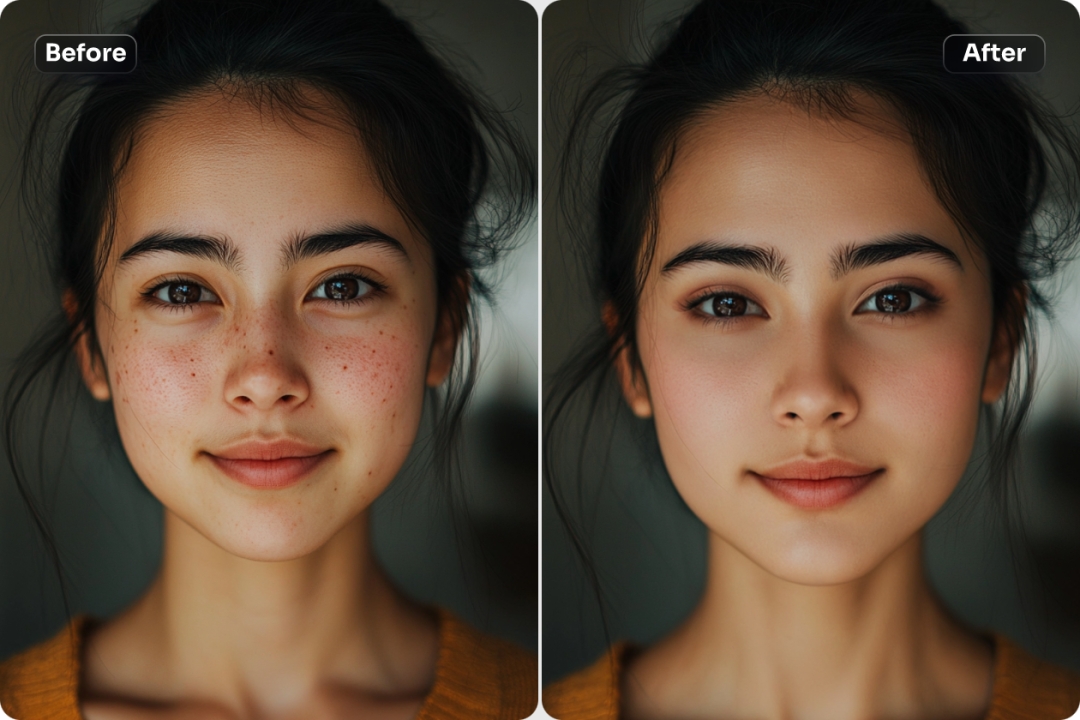
Google Gemini Prompts for Photo Editing, Using smart prompts inside Google Gemini can completely transform the way you edit photos. Instead of relying on manual tools, you simply describe the changes you want, and the AI interprets your request. The quality of your result depends heavily on how clear and detailed your prompt is.
📌 Uses of Google Gemini Prompts for Photo Editing
Prompts can be used for quick corrections or creative transformations. For basic improvements, you might type: “Increase brightness, balance skin tones, and sharpen details.” This helps refine portraits instantly. For advanced edits, try prompts like: “Replace the cloudy sky with a sunset sky and add warm golden lighting.”
Gemini can also remove distractions with prompts such as: “Erase the background crowd and keep the main subject in focus.” For social media content, you can request stylistic changes like: “Apply a cinematic color grade with deep shadows and soft highlights.” These descriptive commands guide the AI toward a professional finish without complex manual editing.
✏️ Tips for Writing Better Editing Prompts
Be specific and structured. Instead of vague phrases like “make it look cool,” break your request into parts: lighting, color, background, and mood. Clear direction improves accuracy.
Use visual language. Words like “soft natural light,” “high contrast,” “vintage film tone,” or “minimal aesthetic” provide stronger creative guidance.
Edit in stages. Apply one transformation at a time to maintain control over the final result. This reduces over-processing and keeps the image natural.
Finally, refine your prompts after previewing results. Small wording adjustments—like “slightly brighter” instead of “very bright”—can make a big difference.
Well-crafted prompts turn Google Gemini into a powerful, intuitive photo editing assistant.
1. AI Photo Editing Prompts for Modeling Poses
- “Create a high-fashion model posing confidently, studio lighting, full-body shot, realistic details, professional photography style.”
- “Female model in casual urban outfit, posing naturally, soft lighting, bokeh background, editorial fashion photography.”
- “Male model in suit, seated pose, hands on knees, dramatic lighting, cinematic photography style.”
2. AI Photo Editing Prompts: Poses with Cars
- “Fashion model leaning against a luxury sports car, sunset lighting, stylish outfit, cinematic urban photography.”
- “Casual model sitting inside a convertible, smiling, city background, realistic car details, bright daylight.”
- “Male model standing next to a classic vintage car, street photography, moody lighting, cinematic composition.”
3. AI Photo Editing Prompts: Poses with Bikes
- “Model posing confidently on a modern motorcycle, urban streets background, dynamic angle, realistic lighting.”
- “Female model sitting on a vintage bicycle, park scenery, soft sunlight, casual summer outfit, lifestyle photography.”
- “Male model pushing a motorbike, street urban environment, cinematic shadows, high-resolution realistic photography.”
4. AI Photo Editing Prompts: Poses in Cafes and Urban Buildings
- “Model sitting at a cafe table, holding coffee, natural lighting, warm tones, cozy lifestyle photography.”
- “Female model walking along a modern building facade, casual street style, bright daylight, architectural background.”
- “Male model leaning on a brick wall near a cafe, urban environment, moody shadows, cinematic photography style.”
5. Indoor Studio & Creative Settings
- “Dynamic model posing mid-jump in indoor studio, motion blur effect, high-quality AI editing.”
- “Model posing in studio with colored lighting, dramatic shadows, fashion editorial style.”
- “Male model holding props in creative indoor setup, high-resolution, realistic textures, cinematic lighting.”
- “Female model with softbox lighting, close-up portrait, professional photography style, natural skin tones.”
6. Poses in Cafes and Urban Buildings
- “Female model sitting on outdoor cafe chair, street view in background, soft golden hour lighting.”
- “Model sitting at a cafe table, holding coffee cup, natural warm light, cozy lifestyle photography.”
- “Female model walking along modern building facade, casual street style, sunlight, architectural photography.”
- “Male model leaning on brick wall outside a cafe, urban environment, moody cinematic lighting.”
- “Model posing near glass building reflections, stylish outfit, soft natural light, editorial photography style.”
