
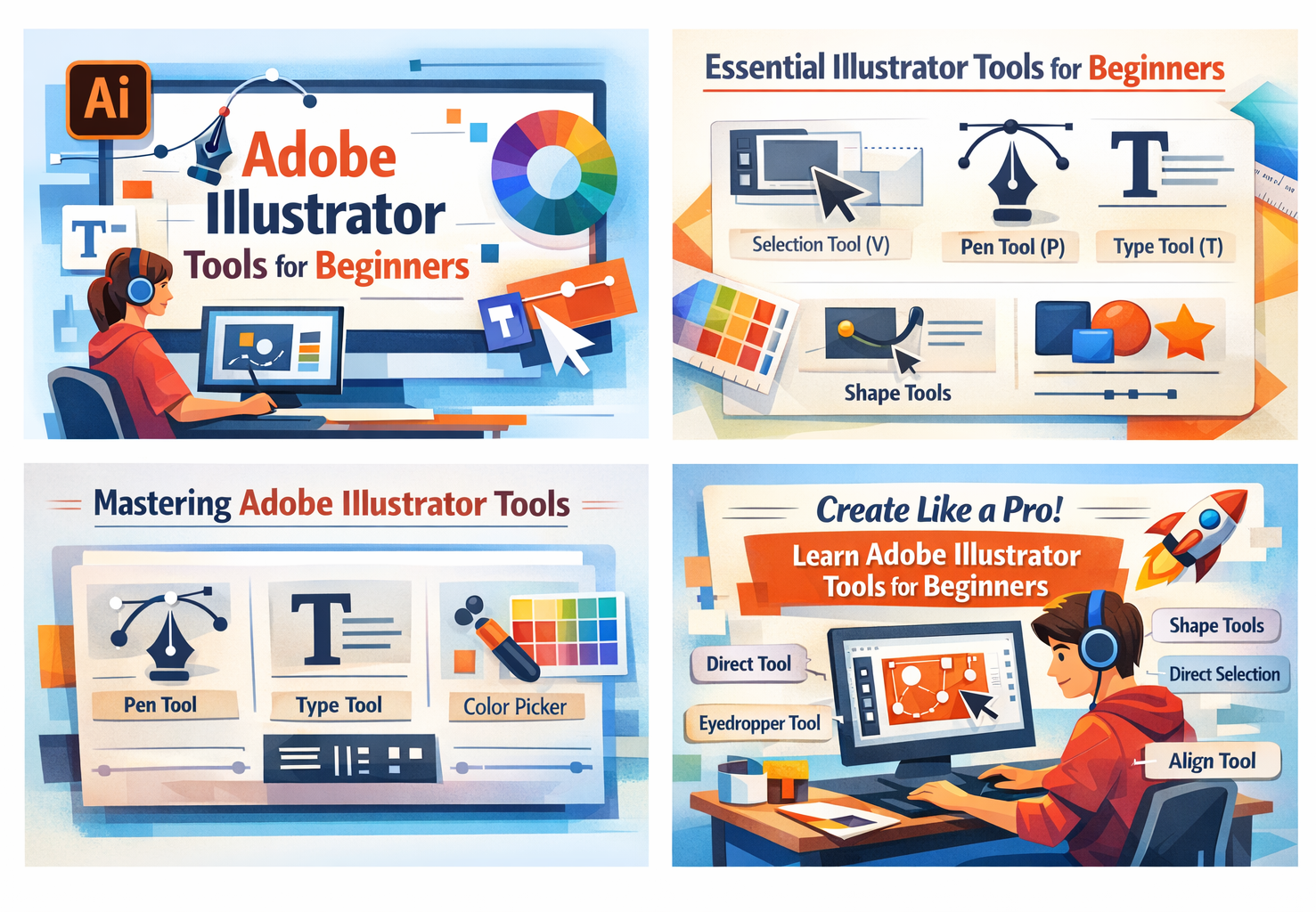
Adobe Illustrator Tools for Beginners, Adobe Illustrator is one of the most powerful graphic design software tools used by designers worldwide. If you are new to vector design, learning the adobe illustrator tools for beginners is the first and most important step. Whether you want to create logos, illustrations, social media graphics, or icons, understanding the basic tools will help you work faster and more professionally.
In this guide, we will explore the most essential adobe illustrator tool for beginners and explain how each tool works in a simple and beginner-friendly way.
Why Learn Adobe Illustrator as a Beginner?
Adobe Illustrator is a vector-based design tool, which means your designs never lose quality, no matter how much you scale them. For beginners, mastering the core tools helps build confidence and improves creativity. Learning adobe illustrator tool for beginners also opens doors to careers in graphic design, branding, UI/UX, and digital marketing.
Selection Tools in Adobe Illustrator
Selection Tool (V)
The Selection Tool is one of the most commonly used adobe illustrator tools for beginners. It allows you to select, move, resize, and rotate entire objects or designs on the artboard.
Direct Selection Tool (A)
This tool helps you select specific anchor points or paths. Beginners use it to fine-tune shapes and adjust curves for more precise designs.
Drawing Tools Every Beginner Should Know
Pen Tool (P)
The Pen Tool is powerful but takes practice. Among all adobe illustrator tools for beginners, this one is essential for creating custom shapes, logos, and smooth curves.
Shape Tools
The Rectangle, Ellipse, Polygon, and Star tools are perfect for beginners. These adobe illustrator tool for beginners help create basic layouts and design foundations quickly.
Text and Typography Tools
Type Tool (T)
The Type Tool allows you to add and edit text. Beginners can use it to design posters, logos, and social media graphics. Typography is a key design skill, so mastering this tool is important when learning adobe illustrator tools for beginners.
Type on a Path Tool
This tool lets text follow a shape or path, making designs more creative and professional.
New Color and Appearance Tools
Color Picker & Swatches
Color tools help beginners choose, save, and reuse colors. These adobe illustrator tool for beginners are essential for maintaining brand consistency.
Eyedropper Tool (I)
The Eyedropper Tool picks colors from existing designs. It is very useful for beginners working on multi-element designs.
Transform and Alignment Tools
Align Panel
This panel helps align objects evenly. Beginners use it to create clean and professional layouts using adobe illustrator tool for beginners.
Scale & Rotate Tools
These tools allow resizing and rotating objects accurately without distorting designs.
Why Mastering These Tools Matters
Learning adobe illustrator tools for beginners helps you design faster, avoid common mistakes, and improve overall design quality. Once you master the basics, advanced tools become easier to learn. Consistent practice with these tools will quickly turn a beginner into a confident designer.
Final Thoughts
Adobe Illustrator may seem complex at first, but with the right approach, it becomes easy and enjoyable. Start by practicing the core adobe illustrator tools for beginners, experiment with shapes, colors, and text, and build simple projects. Over time, your skills will grow, and you’ll be ready to create professional-level designs.
If you’re serious about graphic design, mastering adobe illustrator tools for beginners is the perfect place to start. 🚀

One response to “Adobe Illustrator Tools for Beginners:”
[…] Understanding Adobe Illustrator for Graphic Design […]